Builds, automation, Linux, games, embedded work.
The work history, skills, and project context are in the professional profile.
Read the factual profile ↗JUHAPEKKA PIIROINEN / OFFICIAL UNNECESSARY ADVERT
20 professional yearsI'm an "engineer". I’ve spent twenty professional years making software and systems work. Now I apparently need a CV, a LinkedIn profile, a portfolio, and this landing page to explain that I can make software and systems work. No do prdele.
The facts are real. The personal-branding enthusiasm is simulated.

The page everyone sees.
A second experience, checked and rebuilt from the media.
01 / FACTS BEHIND THE NOISE
My professional work began in 2006. I was already making things with computers in 1989. The years do not need inflating; apparently the sentences do.
The work history, skills, and project context are in the professional profile.
Read the factual profile ↗It carries a second, verified site experience inside media a website already serves.
How the product works ↗Compiler guides, downloads, agent skills, privacy, and limits have their own plain pages.
Read the technical guide ↗02 / PERSONAL BRANDING DEPARTMENT™
Choose a real engineering task. Watch a deterministic local script turn it into a sentence that sounds like it has attended too many meetings. No CV upload, AI request, cookies, or tracking.
I drove a strategic build reliability transformation across the software delivery lifecycle.
Same work. 400% more adjectives. Percentage fictional.03 / THE UNNECESSARY CAMPAIGN
Seven related domains parody personal branding and let Ruma review his human. Each demonstrates AmoosedWeb with a separate media-carried edition.
An editorial dossier and local CV translator.
VISIT PIČA.COM ↗02 / THE BRAND20 years.The AI Personal Branding Machine and the public invitation to the next site.
VISIT JETOMRDKA.COM ↗03 / THE FILTERMy CV wentA fictional recruiter compatibility scanner.
VISIT PRDELE.COM ↗04 / THE INSPECTORRuma hasOur cat reviews the mess, demands birds, and rejects every excuse.
VISIT SIERŚCIUCH.COM ↗05 / THE CASE FILEOne cat.Sheriff Ruma offers his human for work. Applications are reviewed without mercy.
VISIT KOCURWYSYN.COM ↗06 / THE DEPARTMENTTomorrow isA Finnish-English office that makes postponement look like progress.
VISIT UUNIPEURA.COM ↗07 / RUMA’S GALLERYOne cat.Ruma’s illustrated portraits hide a different set of alter egos in Amoosed mode.
VISIT VŮL.COM ↗The parody tools are jokes. The career, downloads, and AmoosedWeb mechanics are described separately and plainly.
04 / THE REAL EXPERIMENT
AmoosedWeb embeds a separate website experience in existing images, audio, video, and other media. The ordinary site still works. A compatible browser, extension, or shared invitation can open the verified second edition. Public keys and shareable QR invitations do not authenticate a person.
For small datasets, a separate DNS transport splits file bytes across TXT records or raw records on compatible servers. A pinned catalogue can locate datasets across domains and resolvers; Readers check an independently trusted SHA-256 digest before returning bytes. See the DNS tutorial ↗
05 / TRANSPARENCY, FOR ONCE
AI helped with ideas, copy, code, and documentation across these sites. It did not give me the experience in my CV. Using the tool is practical; pretending polished adjectives are proof of engineering would be na hovno.
Read the factual profile ↗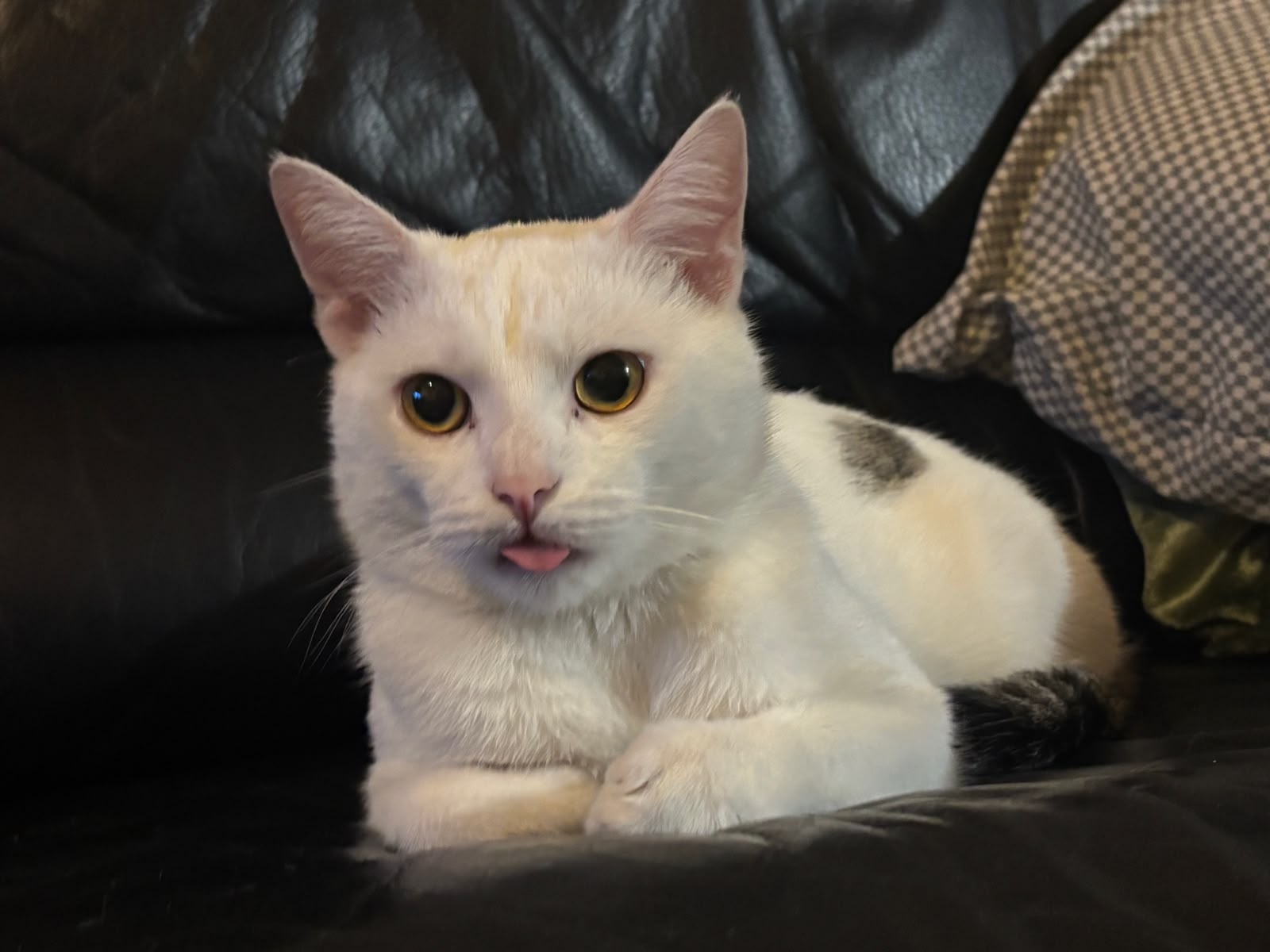
06 / FINAL APPROVAL
“My human built a website to sell himself, then three more to explain why. Je to na hovno. Still, if selling himself keeps my bowl full, I approve. Try selling me for sračky and giggles, and I’ll bury his entire personal brand in the litter box.”
— Ruma, official approver and definitely not for sale
IF YOU CAME FOR THE CV, YOU FOUND A WEBSITE ABOUT WHY THE CV NEEDS A WEBSITE.